Built to Last


With a refined wallpaper engine and seamless lock screen playback, live wallpapers now work exactly the way they should.
Wallper has officially reached 50,000 active users, and with that milestone comes one of the most important updates we’ve released so far.
Wallper v1.6 focuses on one core goal: making live video wallpapers on macOS behave exactly like native system wallpapers.
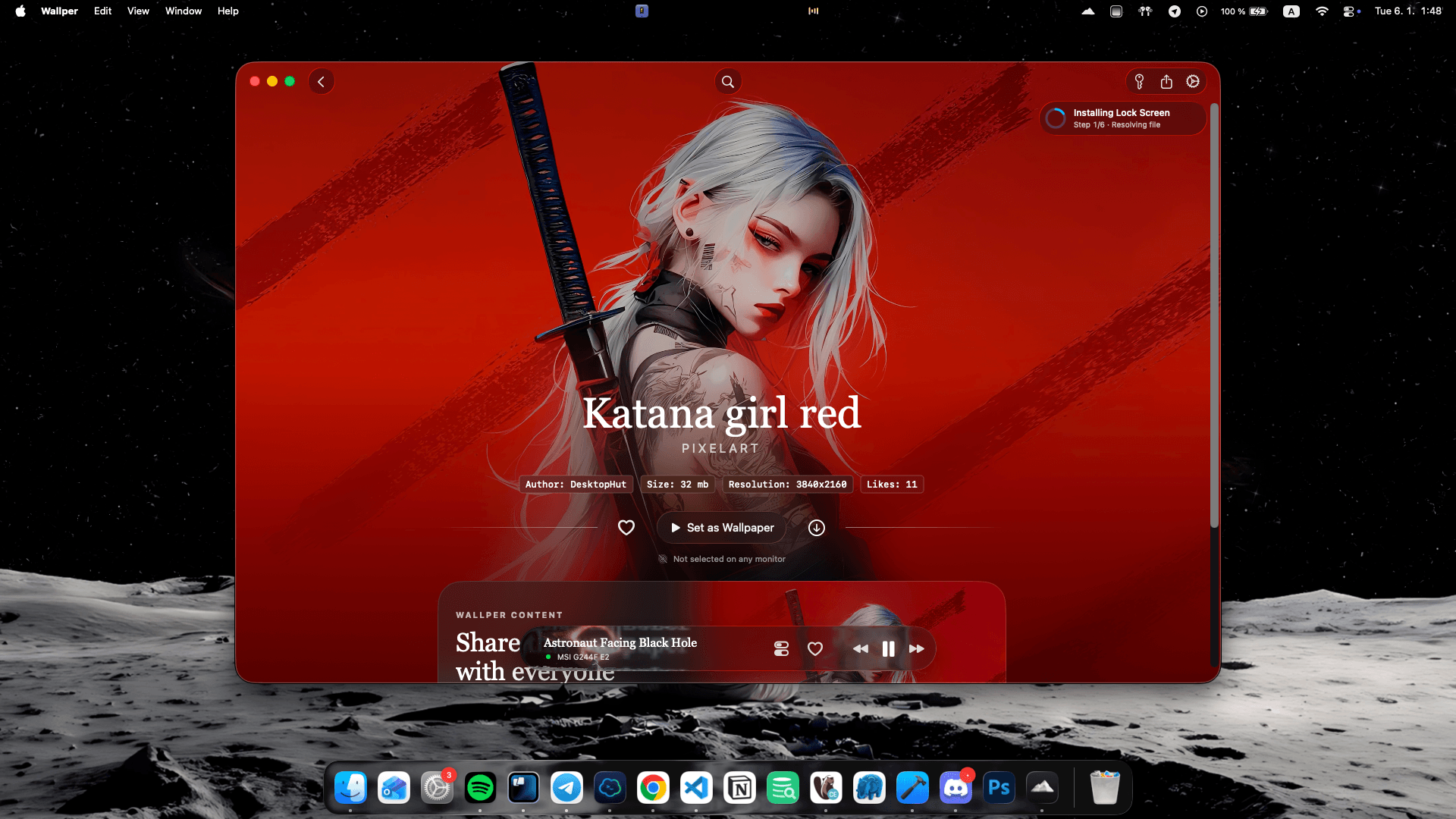
For months we’ve been refining the wallpaper engine, improving how it interacts with the macOS lock screen, system startup, and display transitions. The result is a much more seamless experience where wallpapers restore instantly, play consistently, and feel fully integrated into the system rather than running as a separate app.
This release represents a major step forward for live wallpapers on macOS.
Lock Screen Wallpapers That Feel Native
The biggest improvement in this update is how wallpapers behave on the macOS lock screen and screensaver.
With the new playback system, wallpapers transition smoothly between:
-
Desktop
-
Lock Screen
-
Screensaver
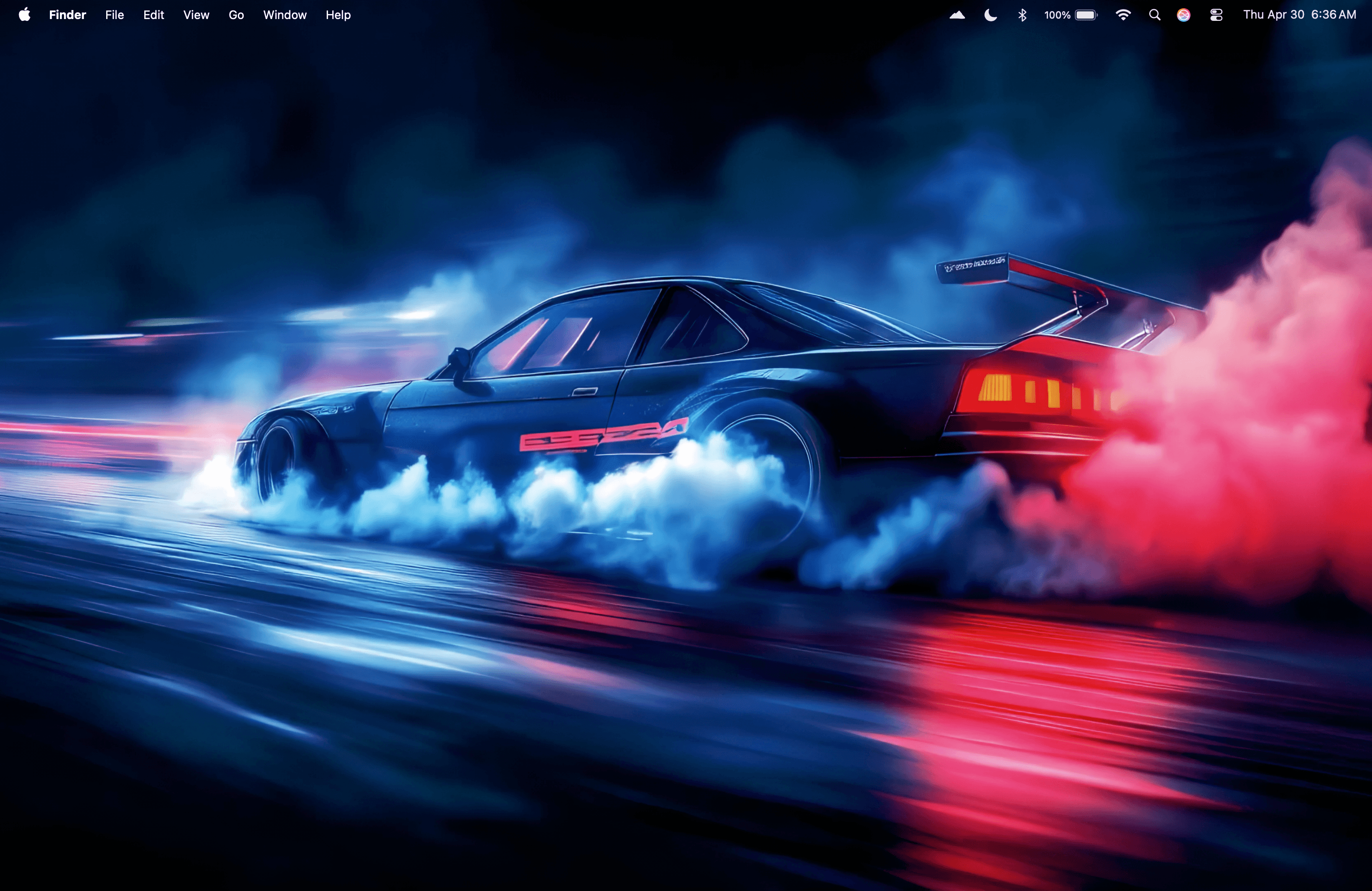
When you unlock your Mac and lock it again, the wallpaper restores instantly and continues playing exactly where it should.
The screensaver video now launches reliably every time the system locks, creating a continuous visual experience that feels much closer to native macOS wallpapers.
Live wallpapers have existed on macOS for a while, but making them behave like a true part of the system required a deeper rebuild of the playback engine. With Wallper v1.6, that experience finally feels complete.
Instant Wallpapers After Reboot
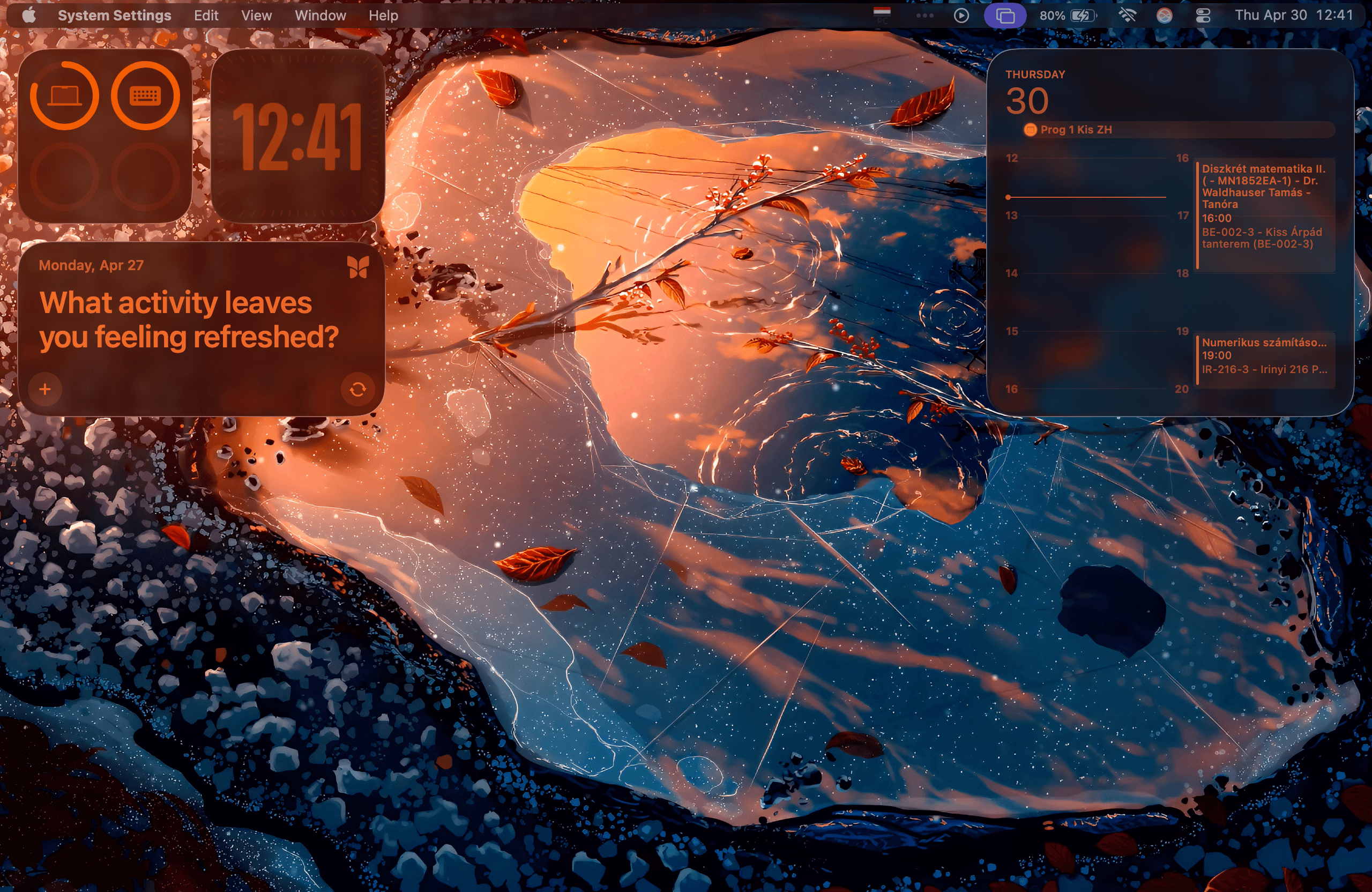
Wallper now prioritizes local video caching, ensuring downloaded wallpapers are always ready to play.
When your Mac starts, wallpapers load immediately from the cached file, even before the internet connection is fully available. Your desktop appears exactly the way you left it.
-
No waiting.
-
No loading screens.
-
Just your wallpaper.
Seamless Offline to Online Transition
Connectivity changes are now handled automatically.
If your Mac temporarily loses internet connection, Wallper continues playing wallpapers from the local cache without interruption. Once the connection returns, the video library updates automatically the next time you open the app or the menu bar.
Everything reconnects naturally without requiring manual restarts.
Playback Engine Improvements
Under the hood, the wallpaper engine has been refined across multiple areas of the app.
Local video files are now prioritized across all wallpaper playback paths, including:
-
Shuffle rotation
-
Monitor selection view
-
Wallpaper restore after sleep
-
Display configuration changes
This results in faster playback startup and more consistent behavior across different display setups.
Stability & Performance Improvements
Wallper v1.6 also includes multiple optimizations that improve overall responsiveness and system efficiency.
Background activity when adjusting settings has been reduced, and internal diagnostics have been improved to help identify potential issues faster during development.
While most of these improvements happen behind the scenes, they contribute to a noticeably smoother experience.
A Milestone for Wallper
Reaching 50,000 users is an exciting moment for the project.
Wallper started as a small experiment to bring live video wallpapers to macOS in a way that felt simple and native. The community around the app has helped shape it into what it is today.
With version 1.6, the focus has been clear: reliability, stability, and a wallpaper experience that feels fully integrated with macOS.
If you want to try live wallpapers on macOS, Wallper lets you turn your desktop and lock screen into dynamic video backgrounds while keeping the experience smooth and lightweight.