Wallpaper Engine for Mac: Best Alternative in 2026

Finally, a real way to use live wallpapers on macOS. Discover why Wallper is the ultimate native alternative to Wallpaper Engine in 2026.
For years, Mac users have been searching for Wallpaper Engine for Mac. The answer has always been the same. It’s not available. Wallpaper Engine is still a Windows-only app, and there is no official version for macOS.
If you use a Mac, you’ve probably noticed this gap. The system looks clean and polished, but wallpapers are mostly static. There’s no simple way to use real video or live wallpapers like on Windows.
Because of that, more people started looking for a Wallpaper Engine alternative for Mac. Something that actually works, feels native, and doesn’t slow down the system.
Now there is a solution.
Meet Wallper. It’s a native macOS app that lets you use real 4K live wallpapers on your desktop and even on your lock screen.
A native Wallpaper Engine alternative for Mac
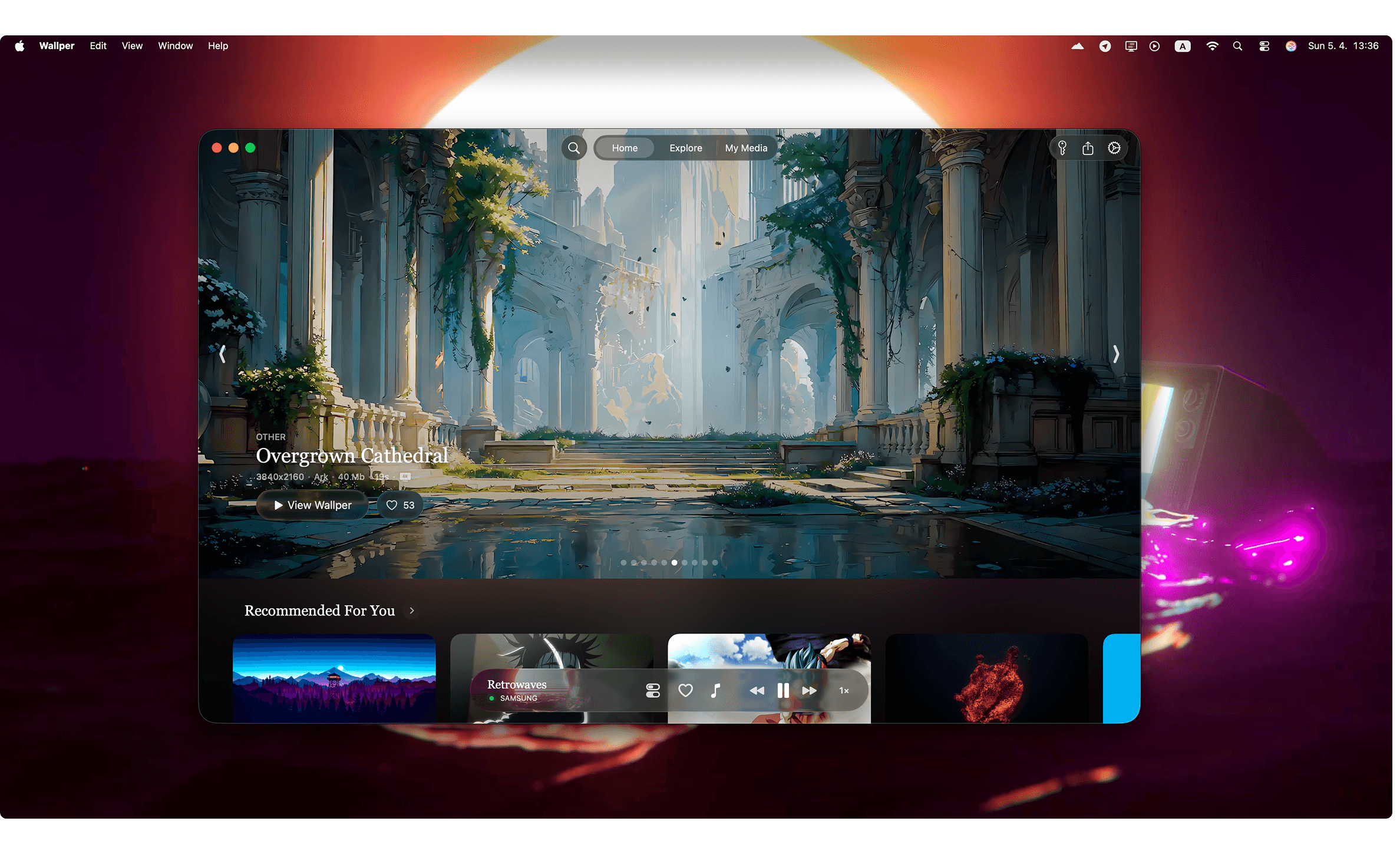
Wallper isn’t trying to copy Windows apps. It’s built specifically for macOS, and you feel that immediately.
The UI is clean. Animations are smooth. Nothing feels out of place. It behaves like a native part of your system, not something running on top of it.
And more importantly, it solves the actual problem Mac users have had for years: Real live wallpapers.
Not subtle motion. Not screen savers. Actual video wallpapers on Mac, in full 4K, running smoothly on your desktop - and yes, even on your lock screen. That’s the part most apps never get right.
What makes Wallper stand out?
- Native macOS experience that feels fast and natural
- 4K live and video wallpapers
- Fully working lock screen support
- Lightweight and optimized for performance
- A growing library with thousands of wallpapers
- Simple control directly from the menu bar
5 Reasons Why Wallper is the Best Live Wallpaper App for Mac
If you look up Wallpaper Engine for Mac, you’ll find a lot of options. Most of them do the same thing: they play a video in the background. That’s it. Some work fine for a while. Some feel slow. Some just don’t fit into macOS very well.
After using a few of them, you start to notice what actually matters. Not the effects, but how stable it is, how it behaves, and whether you can just leave it running without thinking about it.
That’s where Wallper feels different. It doesn’t try to do anything unusual; it just does the basics properly and stays out of the way.
Here are a few things that stand out after using it for a bit.
1. Native lock screen live wallpapers
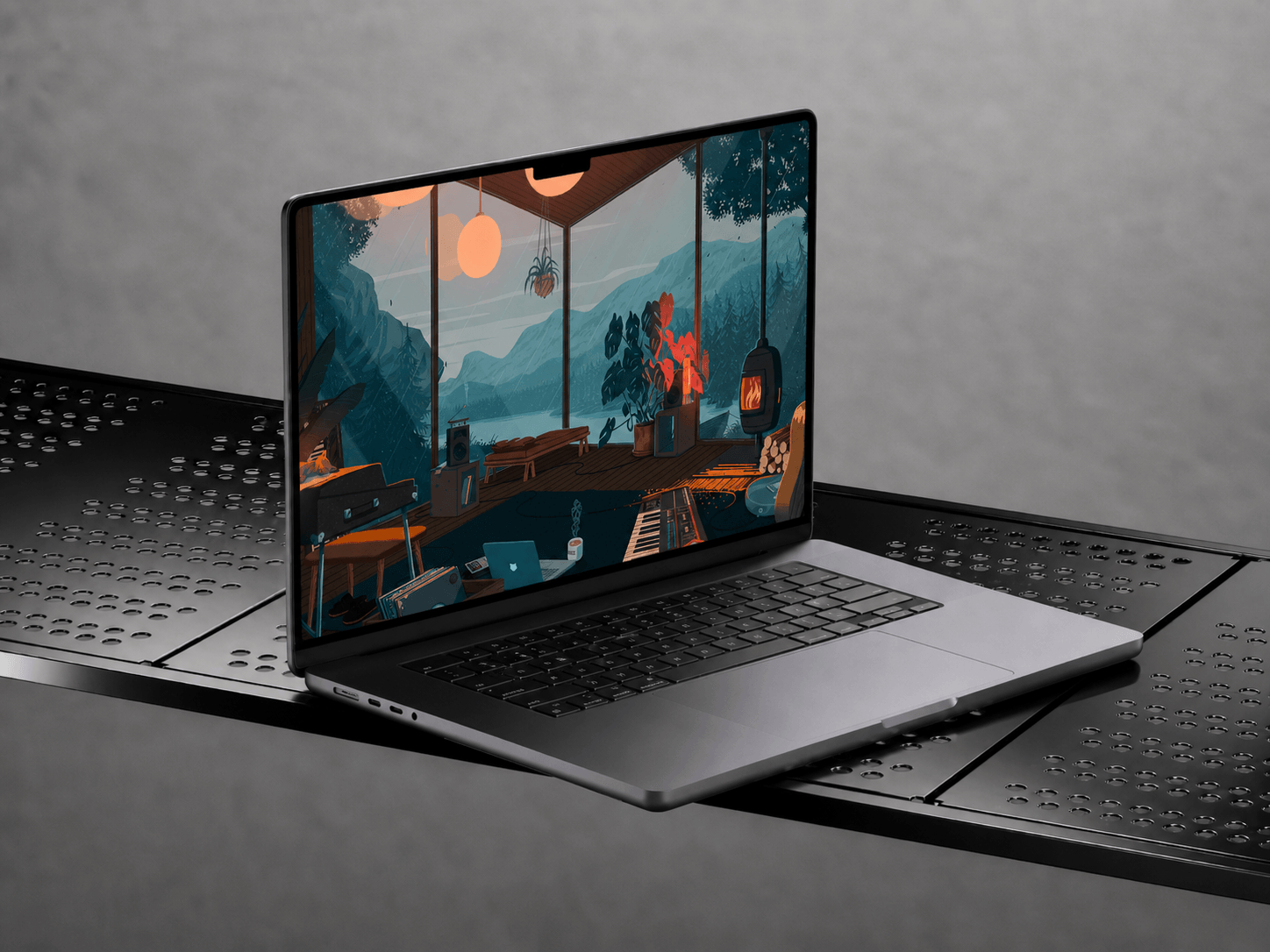
This is something that wasn’t really possible on macOS before. Wallper was the first app to bring native live wallpapers to the Mac lock screen.
After that, other apps started trying to do the same. But most of them rely on workarounds or partial solutions that don’t feel stable. Here it’s done properly.
Live wallpapers run directly on the lock screen, without delays or resets. You wake your Mac, and it’s already there. Same wallpaper, same motion, no switch between screens. It feels consistent. And more importantly, it keeps working the way you expect.

2. A Curated Library of 4,000+ 4K Assets
Finding good wallpapers usually takes more time than it should. You scroll, download, try something, then change it again. Most collections feel random, and nothing really fits together.
With Wallper, everything is already organized. The library includes over 4,000+ live wallpapers in 4K - different styles, different moods, from minimal setups to more cinematic visuals.
Search and filters make a big difference here. You can find wallpapers by category, tags, colors, names, or even authors. It’s quick, and you don’t have to dig through hundreds of options to find something that works.
You can also upload your own videos and use them as wallpapers. So it’s not limited to the built-in content. And the library keeps growing through the community, so there’s always something new to try.
3. "My Media": Your Personal Creator Studio
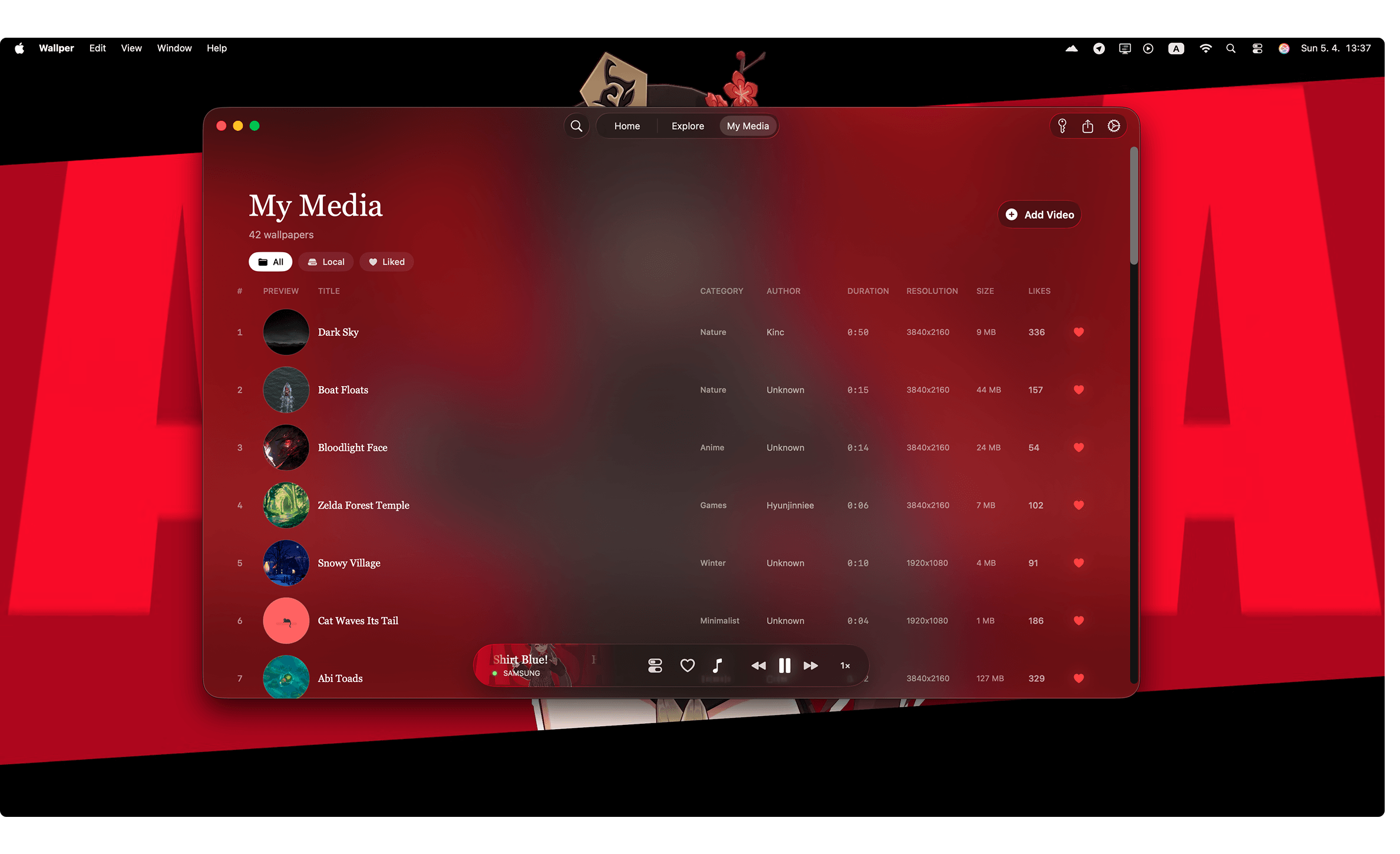
Wallper isn’t just a place where you browse wallpapers. You can use your own too. If you have a video you like, just drag it into My Media and set it as your wallpaper. 4K drone footage, a Blender render, anything - it works right away.
- Privacy first: your files stay on your Mac. Nothing gets uploaded.
- Organized collections: save favorites and switch between them anytime.
- Use your own videos: turn any video into a live wallpaper on Mac.
It feels less like scrolling through wallpapers and more like having your own collection.
4. Smart Resource Management (Battery-Friendly)
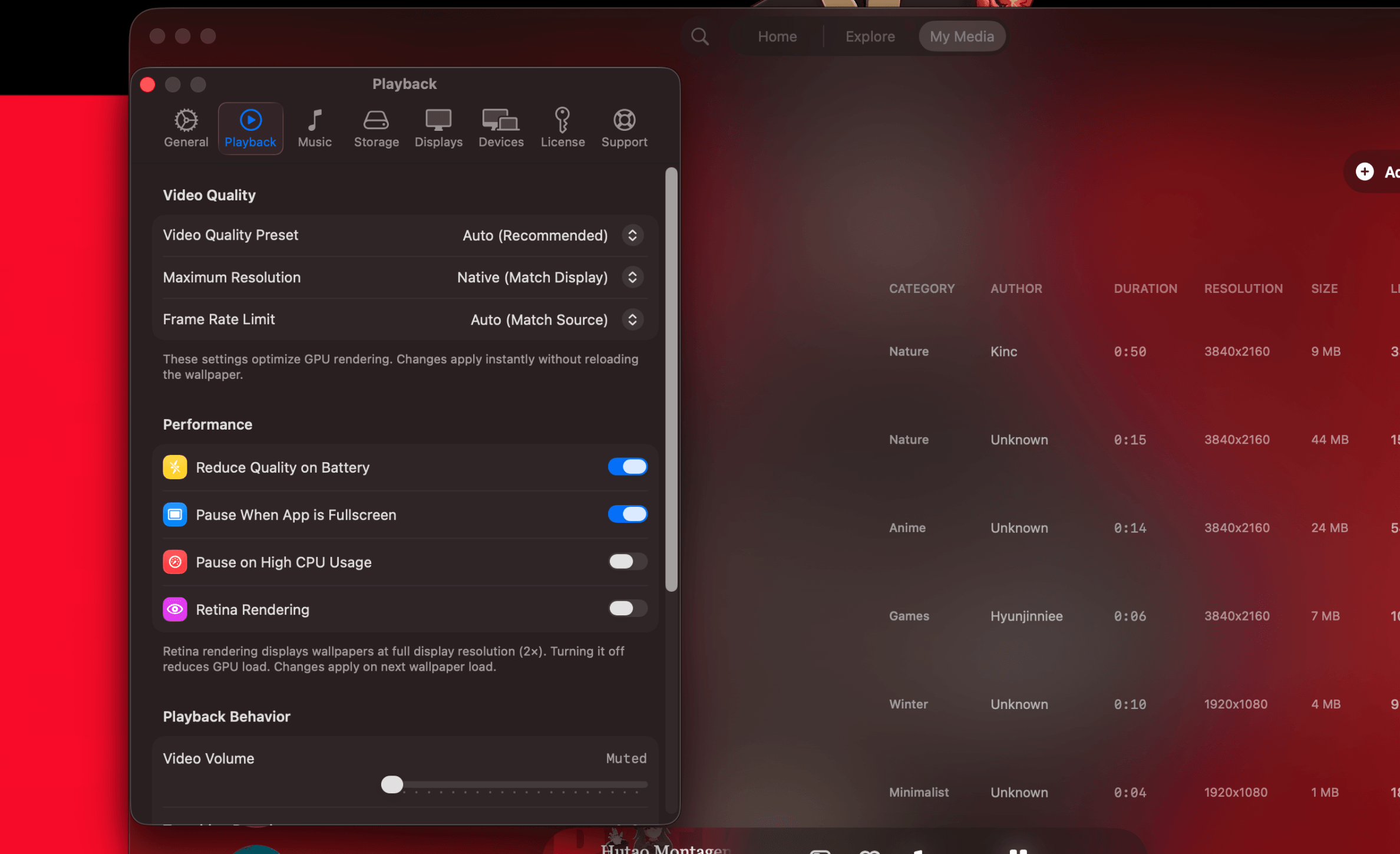
One of the main concerns with live wallpapers on Mac is performance. People expect higher CPU usage, battery drain, and background activity that never really stops. And with many apps, that’s exactly what happens.
With Wallper, it’s handled differently. In normal use, the app runs at around 1.1% CPU, which is barely noticeable even on laptops. It doesn’t affect everyday tasks, and in most cases, you won’t see any impact on battery life.
The bigger difference comes from how it behaves in the background. Wallper uses a simple idea: if you’re not looking at your desktop, it doesn’t keep rendering the wallpaper.
Smart Pause logic:
- When a window covers your screen, it pauses.
- When you switch to fullscreen apps, it stops completely.
- When the wallpaper isn’t visible, it uses 0% CPU.
Everything resumes instantly when you return. This kind of behavior matters more than raw numbers. Instead of constantly running in the background, the app only uses resources when needed.
5. Seamless Menu Bar Control
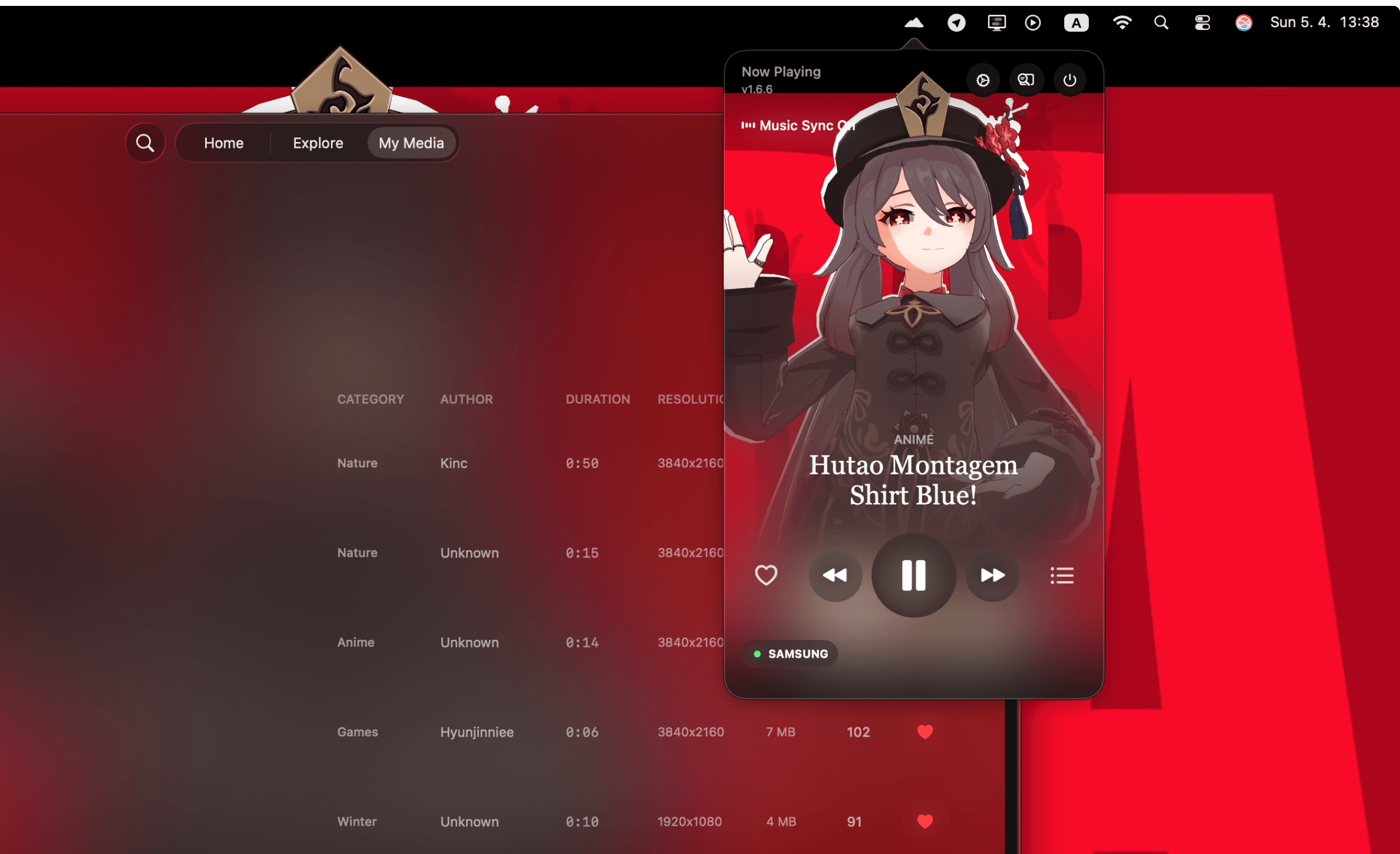
Wallper sits in the menu bar, so you don’t really think about it as a separate app. You don’t open anything; you just click once, and everything you need is there.
Switching wallpapers, shuffling your favorites, or pausing motion takes a couple of seconds. It fits naturally into how you already use macOS.
- Quickly switch between wallpapers
- Shuffle your collection anytime
- Pause motion when you want a static setup
- Access everything without leaving your current window
It’s simple, but that’s what makes it work. After a while, it feels less like a feature and more like part of the system.