How to Set a Live Wallpaper on Your Mac Lock Screen

Learn how to easily set a live wallpaper on your Mac Lock Screen. Discover the best native app to use 4K video wallpapers on your macOS Lock Screen and desktop without draining battery.
The Mac Lock Screen is one of the most visible parts of macOS, but it has always been surprisingly limited.
You can change your desktop wallpaper, use Apple’s built-in wallpapers, and set a screen saver. But if you want a real live wallpaper on your Mac Lock Screen, macOS does not give you a simple built-in way to do it.
That is what makes this feature so interesting.
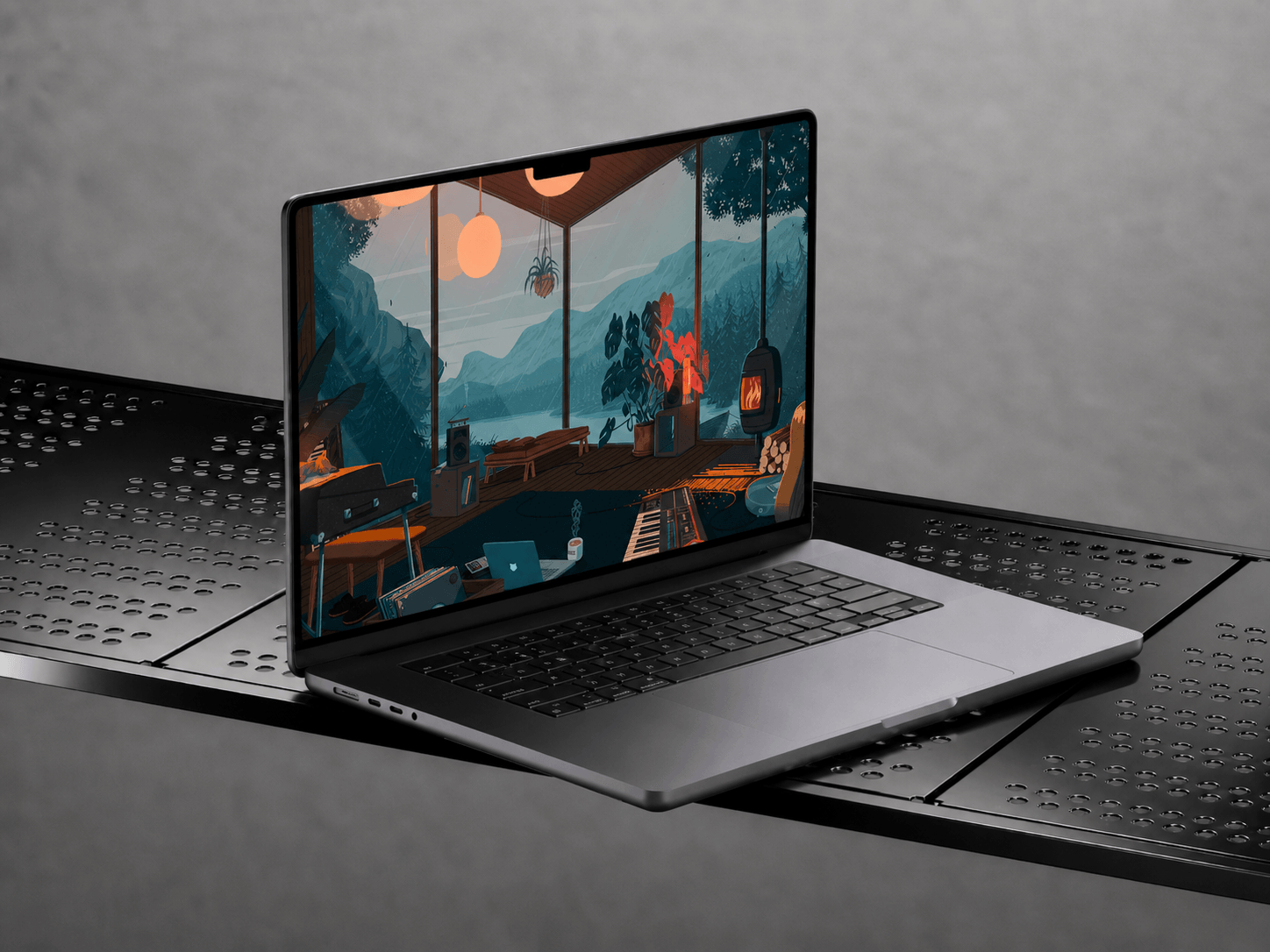
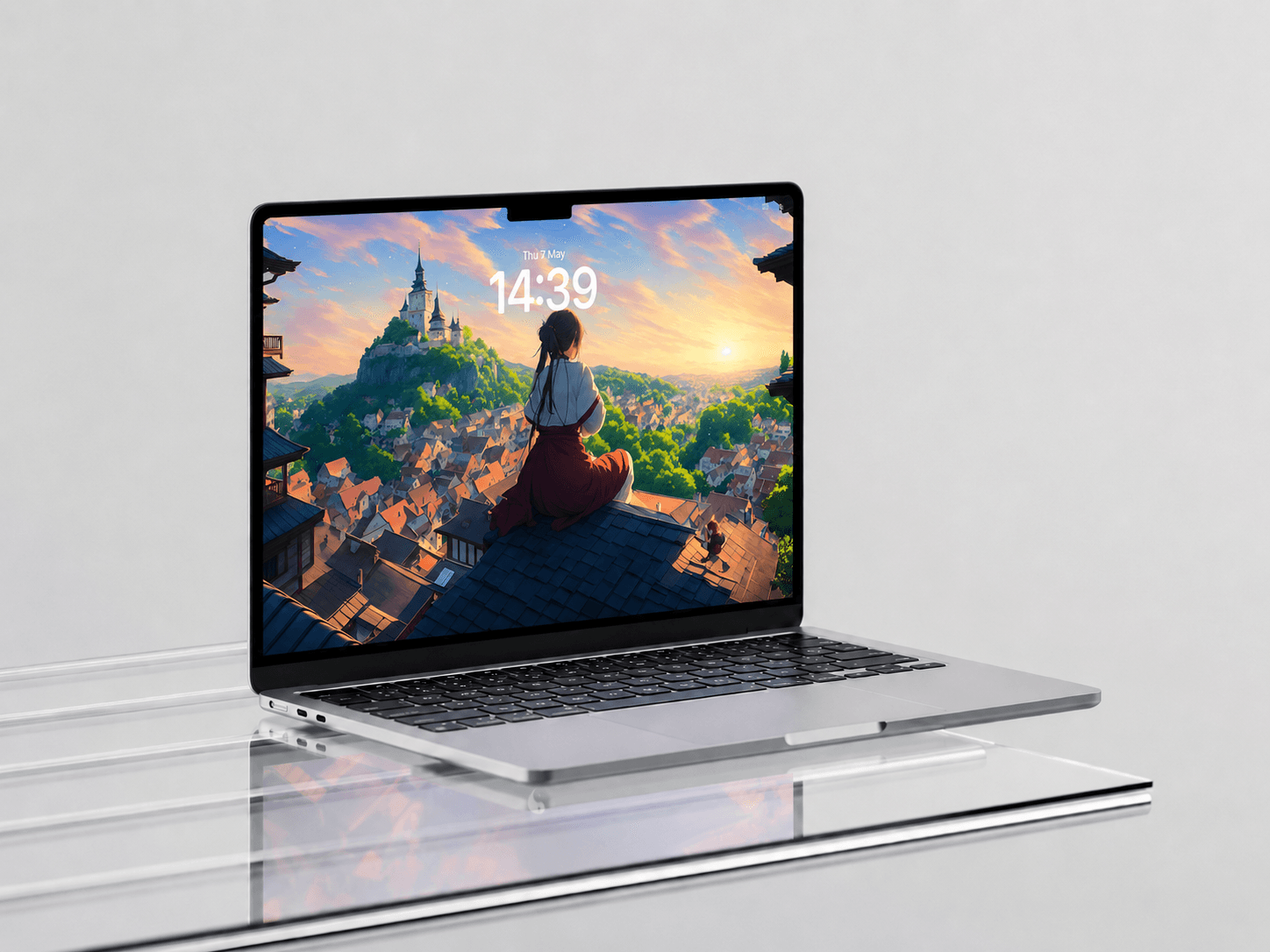
A live Lock Screen can make your Mac feel more personal from the moment you open it. A quiet city scene, soft rain, slow-moving clouds, or a dark 4K abstract wallpaper can make the whole experience feel more polished and alive.
Wallper was built to make this possible in a way that feels simple, lightweight, and native to Mac.
Why macOS Does Not Make This Simple
MacOS already includes built-in wallpaper and screen saver settings, including photos, dynamic wallpapers, colors, and Apple’s own system options. You can see this in Apple’s wallpaper settings.
But those settings are not designed to let you set any custom video as a live Lock Screen wallpaper. That is why many Mac users still look for a dedicated app when they want motion on the Lock Screen, not just on the desktop.
Some apps can put a moving wallpaper behind your icons, but the Lock Screen and screensaver usually stay separate. The result feels incomplete. Your desktop looks alive, but the moment your Mac locks, the experience changes.
Wallper takes a different approach. It is built around the full Mac experience: desktop, Lock Screen, and screensaver.
Wallper Makes Live Wallpapers Feel Native on Mac
Wallper is a live wallpaper app for Mac that lets you set beautiful 4K video wallpapers on your desktop, Lock Screen, and screensavers.
Live wallpapers should feel natural on macOS — smooth, quiet, and connected to the way your Mac already works. That is the experience Wallper is designed to create.
Wallper is the first and only app to bring this kind of native-feeling live wallpaper integration to the Mac Lock Screen and screensavers, without asking users to weaken macOS security or use complicated workarounds.
Your desktop can have motion. Your Lock Screen can match it. Your screensaver can feel like part of the same visual experience.
And it still feels simple.
You can explore the full app on the Wallper homepage.

How to Set a Live Wallpaper on Your Mac Lock Screen
Setting a live wallpaper on your Mac Lock Screen with Wallper is made to be straightforward.
Download Wallper, open the app, choose a live wallpaper from the gallery, preview it, and apply it. Wallper handles the setup, so you do not need terminal commands, unsafe shortcuts, or complicated system changes.
For the Lock Screen, subtle wallpapers usually work best. Slow movement, darker colors, and clean composition make the login screen easier to read and more pleasant to look at.
A good Mac Lock Screen live wallpaper should feel calm and polished. It should add atmosphere without making the screen feel busy.
If you first want to understand the desktop version of this setup, you can also read our guide on how to set a video as a live wallpaper on Mac.
A Growing 4K Live Wallpaper Gallery
Inside Wallper the library grows over time, including wallpapers added by the Wallper community. You can find calm nature loops, dark abstract wallpapers, city scenes, space backgrounds, anime-style scenery, cars, minimal visuals, and cinematic wallpapers made for modern Mac displays.
This matters because finding good live wallpapers yourself in other apps, on video stock sites, or browsing for live wallpapers online can be annoying. Many videos are low quality, do not loop well, look too bright on the Lock Screen, or feel distracting after a few minutes.
With Wallper, you can browse, preview, and set wallpapers from one place. It makes the whole process easier and more enjoyable.

Performance, Battery, and Security
Live wallpapers can slow down a Mac when they are handled badly. If an app simply plays video in the background all the time, it can use more CPU, drain battery faster, and create unnecessary heat.
Wallper is built differently.
In normal use, Wallper typically uses less than 1% CPU, so the wallpaper stays beautiful without making your Mac feel heavy.
It also includes performance controls that help reduce the impact even further.
You can lower video quality, pause live wallpapers when your MacBook is running on battery, and stop playback when a full-screen app is open. If the wallpaper is not visible, Wallper does not keep wasting resources in the background.
This is especially useful on MacBook Air and MacBook Pro, where battery life matters. You can enjoy full-quality live wallpapers when your Mac is plugged in, and make Wallper behave more efficiently when you are working from battery.
Wallper is also designed to work safely with the Mac Lock Screen. You do not need to disable system protections or weaken macOS security just to make your Lock Screen look better.
It also works across modern Mac setups, including MacBook screens, external monitors, Studio Display, 4K displays, and multi-monitor workspaces.
Why This Feels Better Than a Regular Wallpaper App
Most live wallpaper apps focus only on the desktop. Wallper is built for the full Mac experience.
That difference is important.
When your desktop, Lock Screen, and screensaver all share the same visual style, the Mac feels more complete. The wallpaper is no longer just a background. It becomes part of the way your device feels.
Wallper keeps that experience simple. You get a growing 4K gallery, community updates, support for live wallpapers on the Lock Screen and screensavers, low CPU usage, smart battery controls, and a clean macOS-style interface.
It feels polished, but not complicated.
That is the balance a live wallpaper app on Mac should have.
Final Thoughts
The Mac Lock Screen has always been one of the least customizable parts of macOS. Wallper changes that by bringing live wallpapers to the desktop, Lock Screen, and screensavers in a way that feels smooth, lightweight, and native.
You can choose from a growing 4K live wallpaper gallery, use a setup that feels connected across macOS, and keep performance under control with battery-aware settings and smart playback.
If you want to set a live wallpaper on your Mac Lock Screen, Wallper is the simplest way to make it feel right.
Your Mac does not have to stay static. It can feel alive from the moment you open it.